The Future Of SaaS: The Sky's The Limit

Share
Remember that agonizing wait for your new software to install? The endless progress bars?
Now, instead of buying and installing software, businesses simply subscribe and access it online. And that’s called Software As A Service (SaaS). Globally, the SaaS market size is expected to rise from $ 317.55 billion to $ 1,228.87 billion between 2024 and 2032 (Fortune Business Insights).
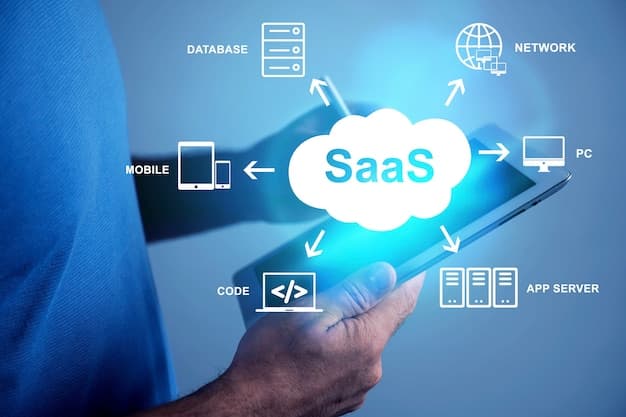
Figure 1: SaaS Concept Collage
AI, Low-Code, And No-Code Revolution
Before going into details, we should first understand what are the low-code and no-code development platforms.
Low-code and no-code development platforms are visual tools that empower users to create applications without extensive coding experience. Exciting, right?
These platforms provide:
- Drag-and-drop functionality: you can simply drag pre-built components and functionalities onto a visual canvas.
- Templates: pre-designed templates can significantly simplify common tasks.
- Logic builders: these tools allow users to define the logic and workflows within their applications using a user-friendly interface, often without writing code.
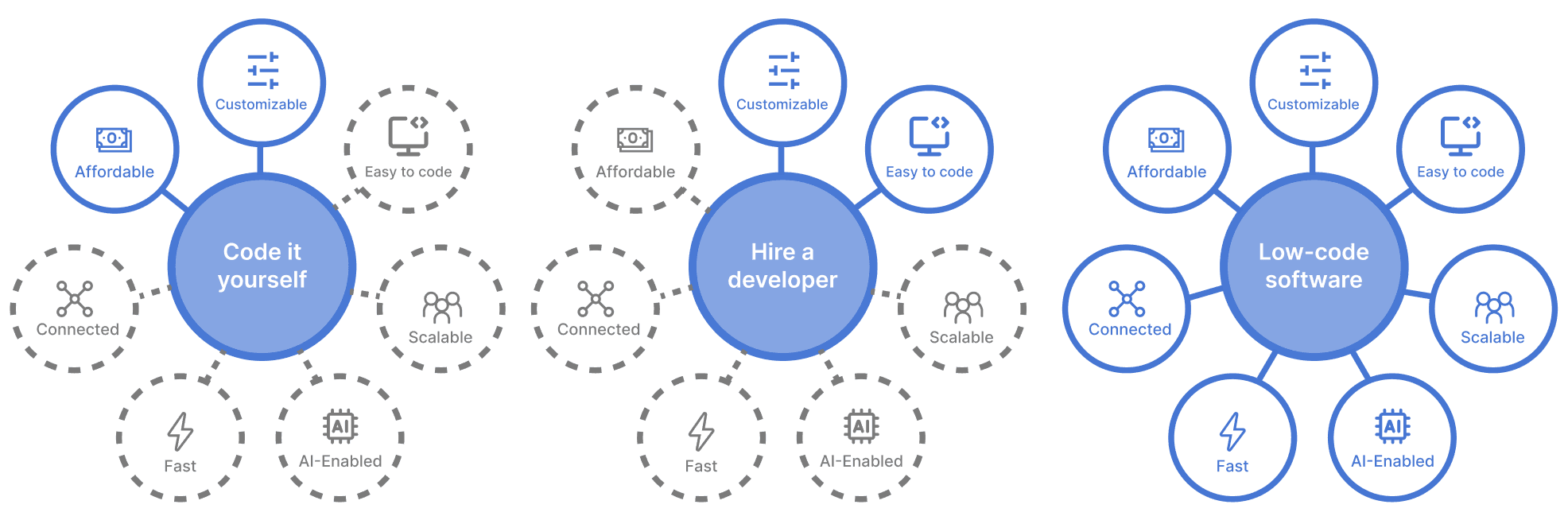
Figure 2: Code it Yourself vs Hire a Developer vs Low Code Software
Low-code platforms offer a bit more flexibility. While they primarily rely on visual development, they may also allow for some custom coding to extend functionalities or integrate with specific systems. While no-code platforms are designed for users with little to no coding experience. They focus on a completely visual development process, ensuring applications can be built entirely without writing code.
Other than that, AI-powered SaaS solutions are becoming more sophisticated than ever, offering a personalized and automated experience, as well as predictive analytics.
Some of the AI applications in SaaS are marketing, notably targeted marketing and sentiment analysis of social media data.
SaaS Security and Privacy
As we entrust an increasing amount of sensitive data to cloud-based solutions, rigid security practices become an essential side of any successful SaaS strategy.
Authentication:
-
Multi-Factor Authentication (MFA): instead of sticking to one simple password, MFA adds an extra layer of security by requiring a secondary verification factor, such as a code sent to your phone or email, before granting access.
-
Single Sign-On (SSO): SSO allows users to access multiple SaaS applications with a single login, reducing the number of passwords to manage. Isn’t this everyone’s dream!
Encryption:
-
Data Encryption at Rest and in Transit: ensure your SaaS provider encrypts data both when stored (at rest) and when transmitted (in transit).
-
Bring Your Own Encryption (BYOE): for highly sensitive data, some providers offer BYOE options. This allows you to encrypt data with your own encryption keys.
Staying Up-to-Date on Security Patches:
-
SaaS Provider Security Updates: it’s advisable to regularly update your SaaS applications with the latest security patches provided by the vendor. These patches often address newly discovered vulnerabilities.
-
Staying Informed About Security Threats: the best prevention is to subscribe to reputable security alerts and stay informed about the latest threats to your industry and the SaaS applications you use.
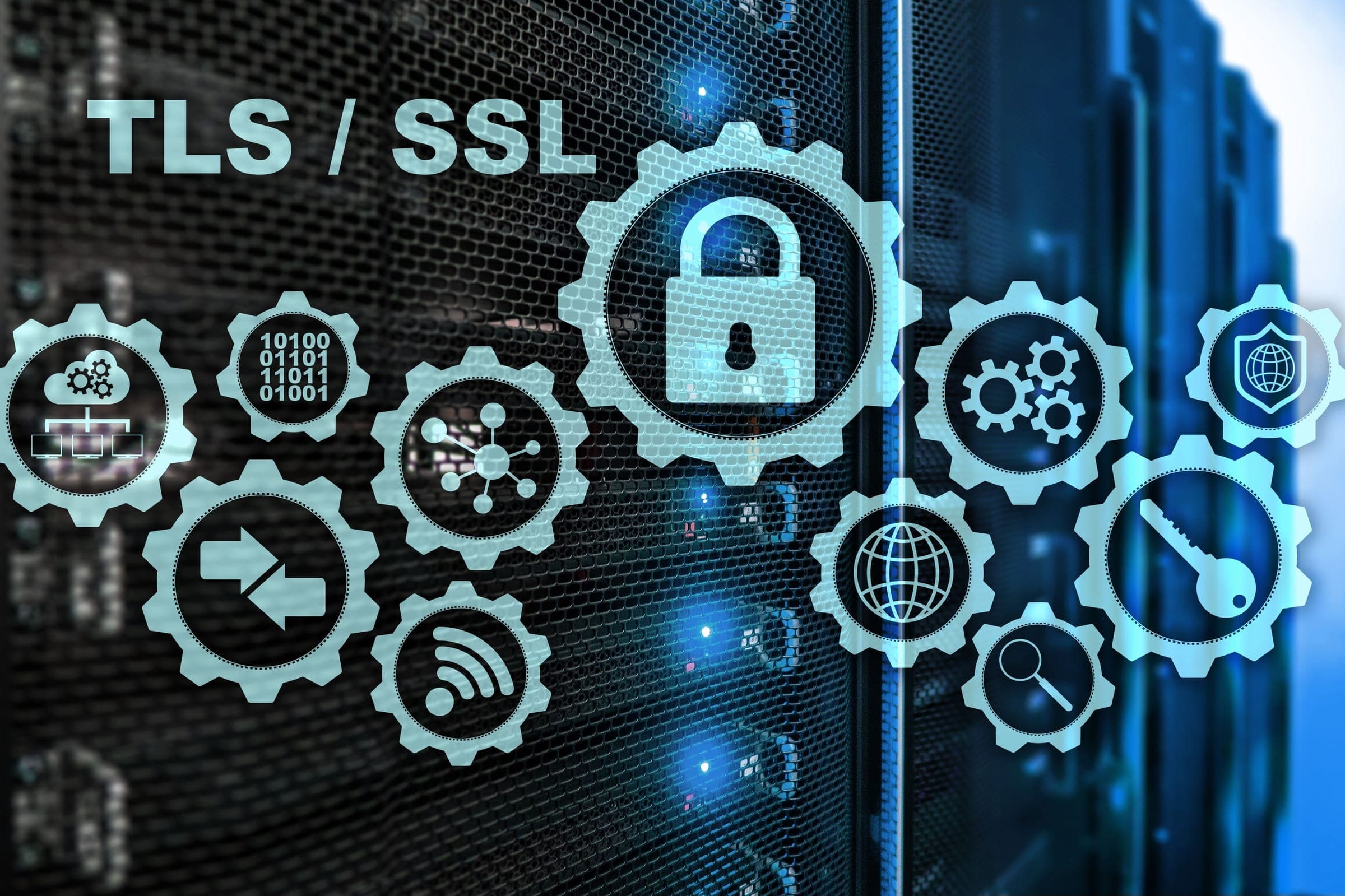
Figure 3: TLS/SSL Protocols
Edge Computing
Traditionally, data processing has been centralized, with information being sent to and processed in remote data centers. However, edge computing brings processing power closer to the source of data generation, reducing latency and improving efficiency.
So how edge computing is simplifying and enhancing SaaS?
- Faster Processing: by processing data locally, edge computing reduces latency (delay). This translates to quicker response times for SaaS applications, especially those dealing with large datasets or real-time interactions.
- Improved Performance: edge computing takes the load off centralized cloud servers, resulting in smoother performance for SaaS users. For instance, a healthcare provider uses a SaaS platform for medical imaging analysis. Edge computing allows local processing of large medical image files before sending them to the cloud for further analysis. This reduces the load on centralized servers, resulting in faster processing times and improved diagnostic workflows.
- Offline Functionality: edge-enabled SaaS applications can function even with limited internet connectivity, crucial for remote locations or situations with network outages. Taking the example of delivery companies that use SaaS, drivers can still receive optimized routes and deliveries can continue uninterrupted even in remote areas.
- Enhanced Security: less data travels to the cloud, potentially reducing security risks associated with data breaches. It’s highly useful for financial services companies to securely manage documents.
Vertical SaaS Solutions
Unlike traditional, horizontal SaaS solutions aimed at a broad audience, vertical SaaS platforms are tailored to specific industries or niches, addressing the unique needs and challenges of a particular market segment.
One of the key advantages of vertical SaaS solutions is their ability to provide industry-specific features, functionalities, and integrations that are not available in one-size-fits-all solutions.
Other expectations from vertical SaaS solutions:
- More specialization: to satisfy the increasing needs within different industries, we can expect further sub-segmentation.
- AI and Machine Learning Integration: more advanced AI and machine learning functionalities are aimed to personalize the user experience and automate critical tasks within vertical SaaS solutions.
Customer-Centric Pricing Strategy
What if SaaS solutions offer only a single, feature-rich package at a premium price. While this might work for some, it excludes customers who need a more basic solution or have budget constraints.
Flexible subscriptions allow users to choose the plan that best suits their specific needs and budget, which attracts a wider customer base. This strategy fosters trust and encourages long-term relationships.
| Pricing Strategies | Approach |
|---|---|
| Usage-Based-Pricing | Charge customers based on their actual usage of the software, ideal for applications with variable consumption patterns. |
| Freemium Model | Offer a basic level of service for free alongside paid tiers with advanced features, allowing customers to try before they buy. |
| Tiered Subscriptions | Provide multiple paid subscription tiers with varying feature sets and price points. |
| Pay-As-You-Go Options | Give customers the flexibility to pay for specific features or functionalities as needed, ideal for occasional users. |
Sources:
- https://powerapps.microsoft.com/en-gb/app-development/
- https://www.fortunebusinessinsights.com/software-as-a-service-saas-market-102222
FAQs
What is SaaS?
SaaS (Software as a Service) is a cloud-based software delivery model where users access applications online instead of installing them on their devices.
What are the benefits of SaaS?
Scalability, affordability, automatic updates, and ease of use.
What are the potential challenges of adopting a SaaS model?
Data security concerns, integration issues with existing systems, reliance on internet connectivity, and the need for ongoing subscription fees.
How can businesses measure the ROI of implementing a SaaS solution?
Businesses can measure the ROI of implementing a SaaS solution by tracking metrics such as cost savings, productivity gains, increased revenue, and customer satisfaction levels.